How AI Made Me a Better Graphic Designer (Not Replaced Me)
I Thought AI Was Coming for My Job
If you’re a graphic designer, you’ve probably heard it: “AI is going to replace you.”
I believed that too. Honestly, I was scared. As someone who built my identity around creativity, design, and storytelling, the idea of a machine doing what I do felt personal.
But here’s the truth no one told me early enough.
AI didn’t take my job. It upgraded it.
The Turning Point: Curiosity Over Fear
Hot Take: AI Isn’t Replacing Designers…It’s Exposing Bad Ones
I didn’t jump into AI right away. I waited. I watched. I judged from the sidelines.
Then one day, I tried it.
I opened up tools inside Adobe Photoshop, Adobe Illustrator, and even Canva, and everything changed.
What used to take me hours started taking minutes.
Need a mockup? Done.
Need a clean background? Done.
Need inspiration when your brain is tired? Done.
AI didn’t replace my creativity. It removed the friction around it.
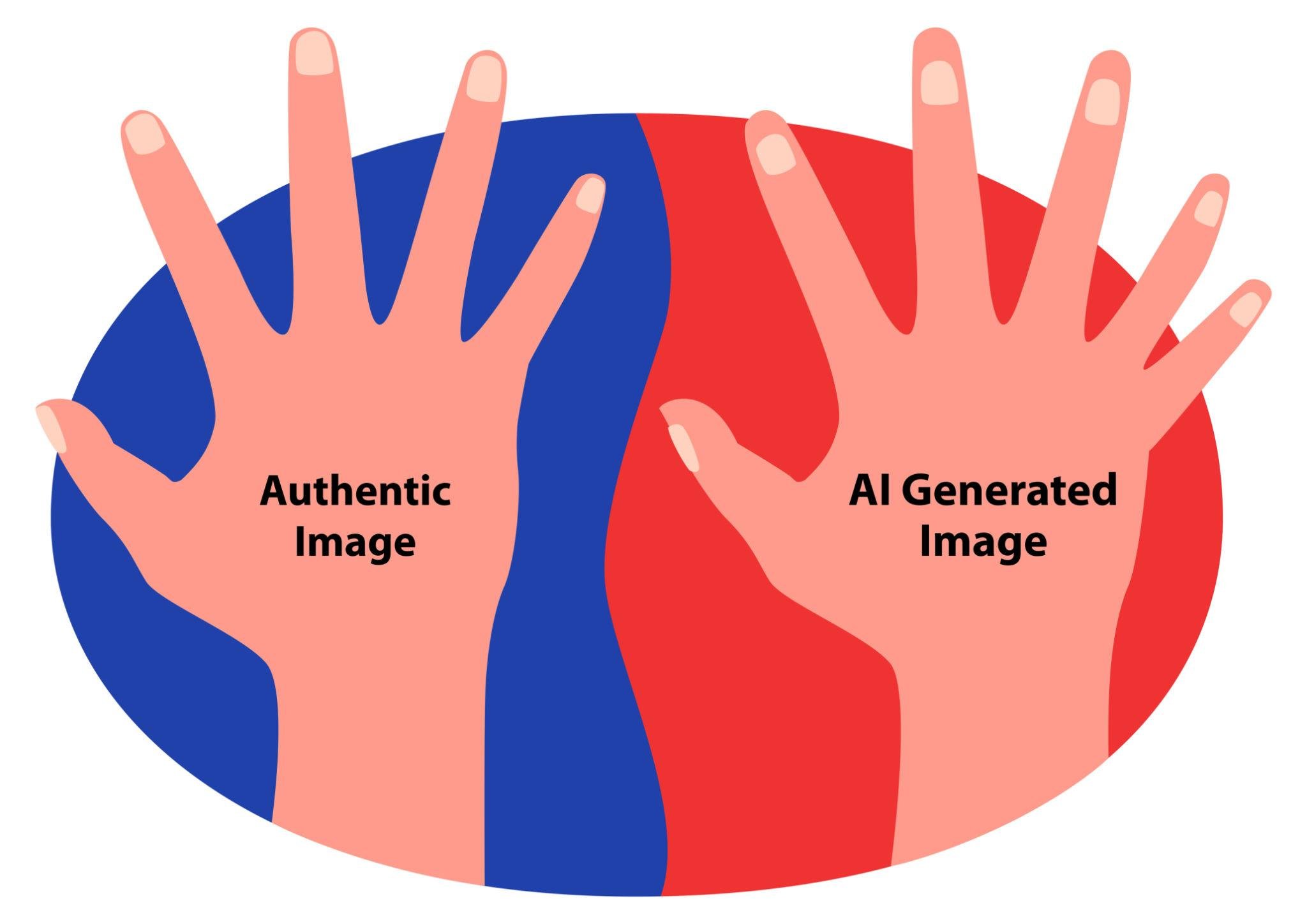
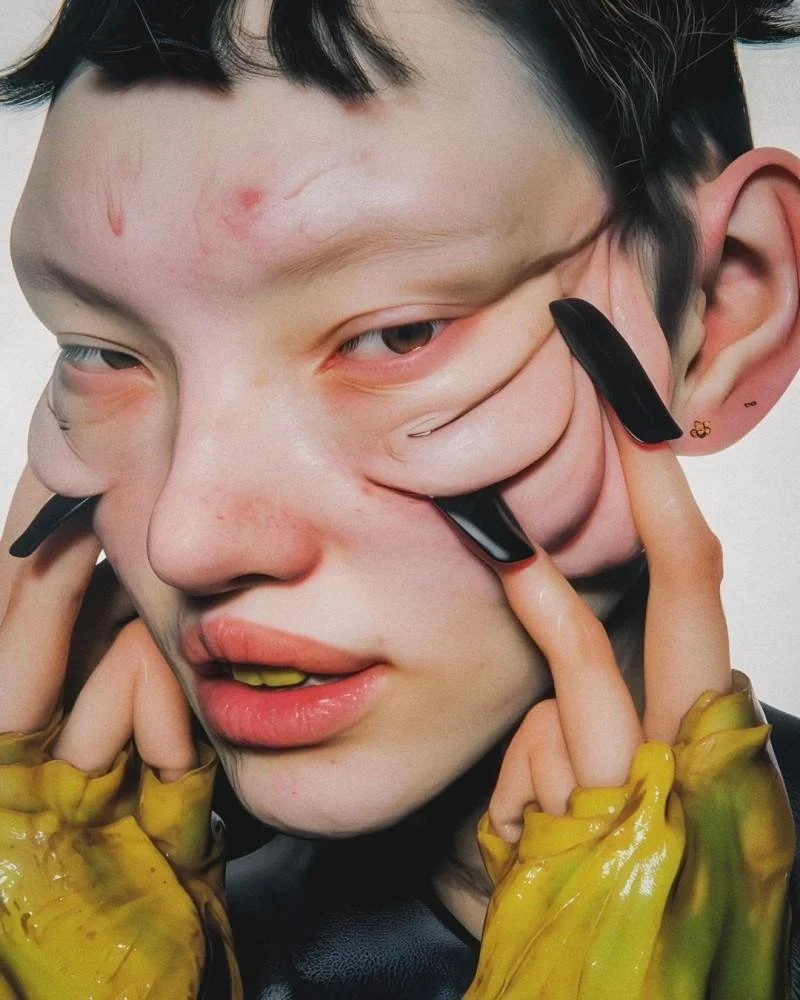
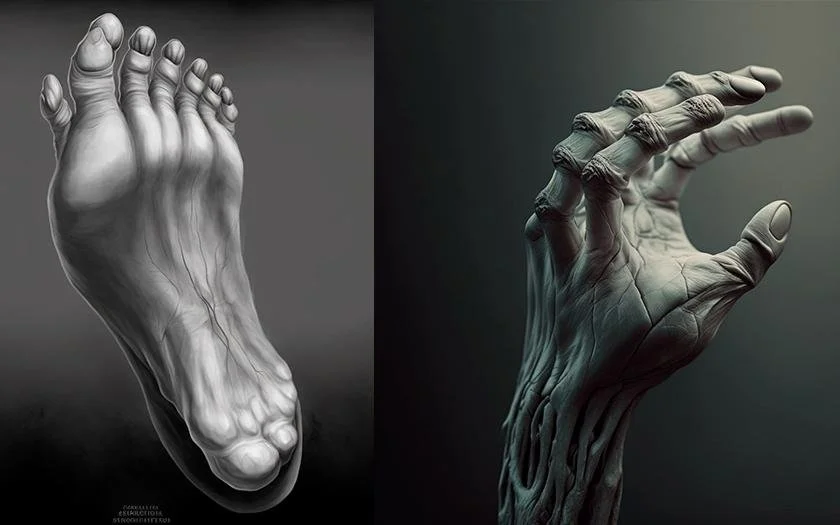
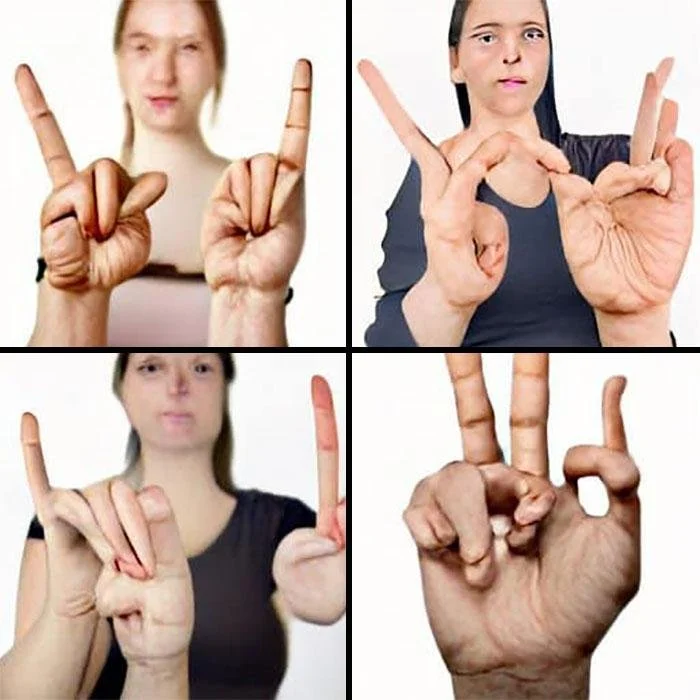
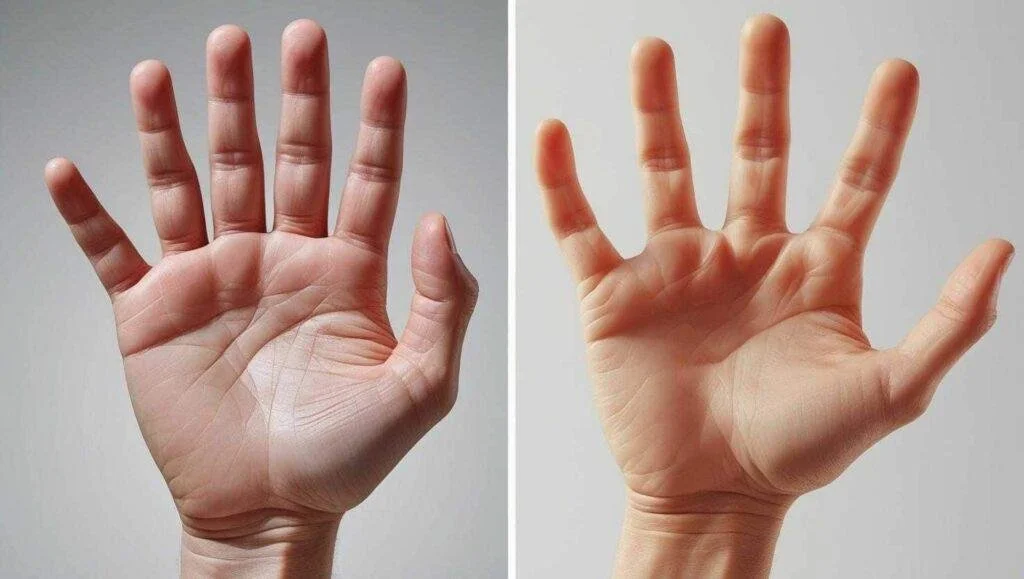
let’s Be Real: People Are Using AI… Badly
We’ve all seen it.
Ten fingers on one hand.
Legs bending in directions they shouldn’t.
Designs that feel off, even if you can’t explain why.
That’s not AI being bad.
That’s people not knowing how to use it.
And that’s where designers win.
Why Graphic Designers Actually Win with AI
Most people using AI don’t understand composition, typography, color theory, or print readiness.
But you do.
That means you can take something AI generates and refine it into something professional, usable, and sellable.
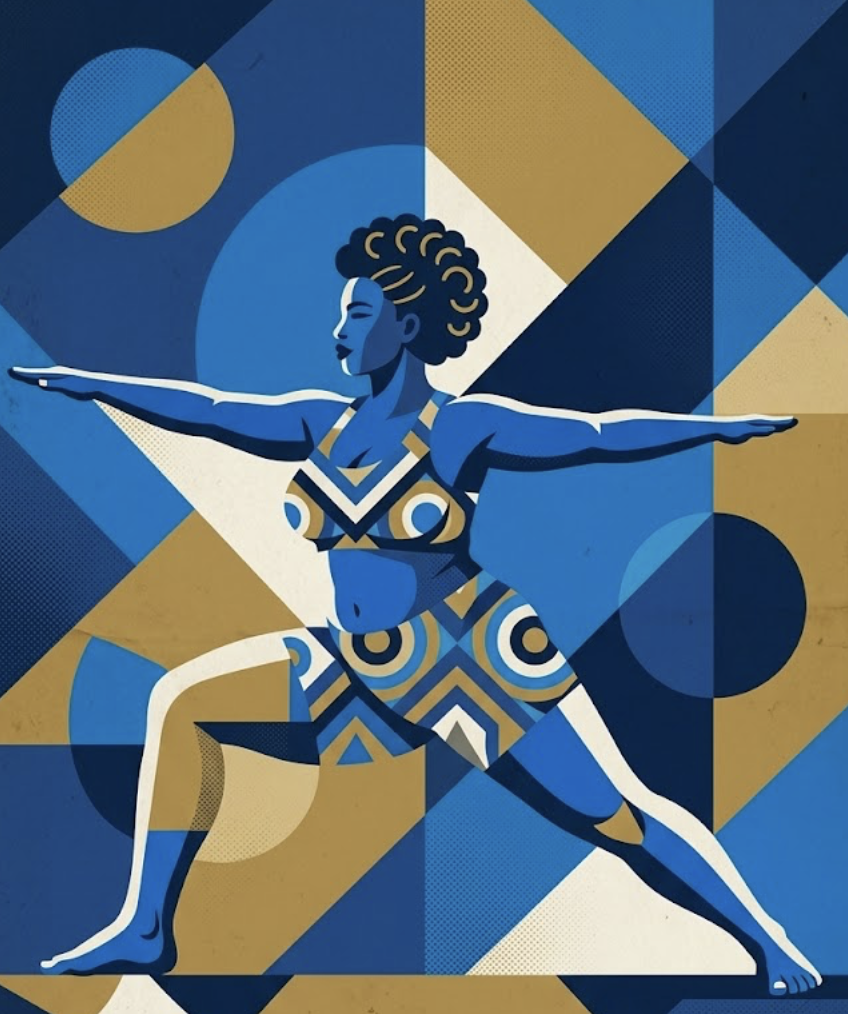
AI gives you a bowl on a white surface. You turn it into a polished product mockup.
AI gives you a concept. You clean it, vectorize it, and prep it for print.
AI gives inspiration. You elevate it into a full brand identity.
AI is the rough draft. You are the final designer.
AI Means Faster Workflow and Bigger Opportunities
Using AI has helped me create more content in less time, expand my services, and work smarter instead of harder.
It also saves money.
Instead of paying for stock images or spending hours building something from scratch, AI can generate a starting point. You refine it into something uniquely yours.
That’s not cheating. That’s strategy.
The Truth Nobody Wants to Say
If you’re not using AI, you’re falling behind.
Not because AI is better than you, but because other designers are using it to move faster.
I wish someone told me this earlier.
Don’t wait until you feel ready. Start messy and learn as you go.
Position Yourself Differently
I stopped seeing myself as just a graphic designer.
Now I’m an AI-assisted designer, a content creator, and a creative problem solver.
Because today, your value isn’t just what you can make.
It’s how efficiently and intelligently you can make it.
Final Thought: Don’t Be Late to Your Own Evolution
You don’t have to love AI right away.
You don’t have to trust it completely.
But don’t ignore it.
Because while others are posting glitchy designs, you can be the one who turns AI into something clean, professional, and powerful.
Use AI. Don’t let it use you.
What To Do This Week (Don’t Overthink It)
If you’re reading this and thinking, “Okay… but where do I even start?”
Start simple. Start messy. Just start.
Here are two things you can do in your first week using AI as a designer.
1. Create 5 Pieces of Content
Pick one niche or style and make five quick pieces.
It could be:
5 Instagram posts
5 mockups
5 logo concepts
5 Pinterest pins
Use tools inside Adobe Photoshop, Adobe Illustrator, or Canva to refine what AI gives you.
Don’t aim for perfection.
Aim for output.
This is how you build speed, confidence, and your own style with AI.
2. Post and Pay Attention to What Works
Once you post, don’t just leave it.
Look at:
Which design gets more likes
What people save or share
What actually gets attention
That’s your direction.
AI can help you create, but your audience tells you what matters.
Final Reminder
You don’t need to master AI in one week.
You just need to stop avoiding it.
Because the designers who win aren’t the ones who resist change.
They’re the ones who learn how to use it better than everyone else.
